clientst0r
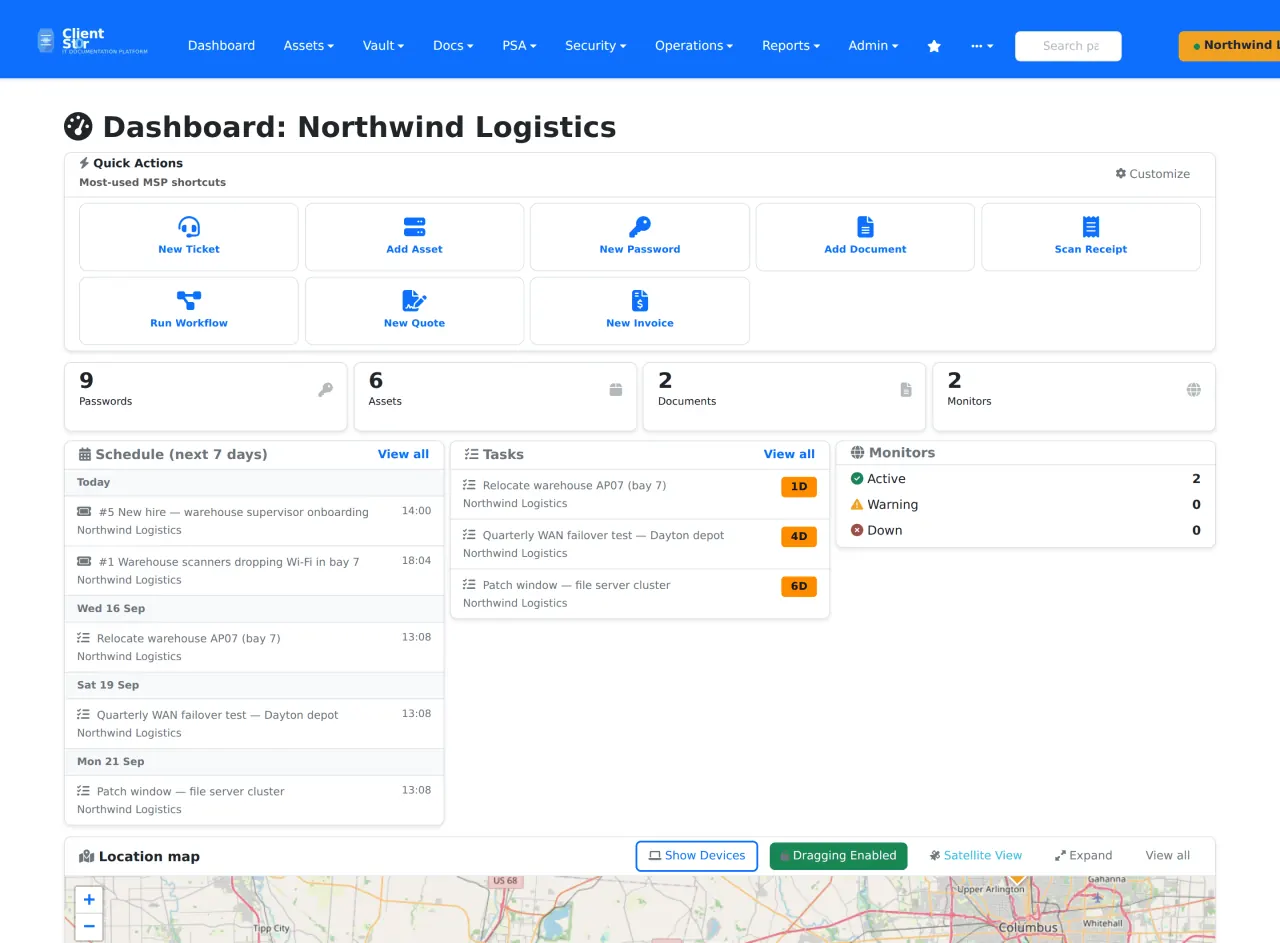
Documentation & service deskClient documentation, assets, credentials and tickets in one database.
- Works with
- Django and MariaDB
- Latest release
- v3.17.558, 15 Sep 2026
Free, open-source tools for MSP documentation, firewalls, infrastructure, backups, remote support and network monitoring. Use one, several or all six — there is no need to replace tools that already work for you.
Six independent tools. Use one, several or all six. They do not depend on each other.
All six are MIT licensed and self-hosted, with no paid tier. They cover six jobs, not everything an MSP runs.
Client documentation, assets, credentials and tickets in one database.
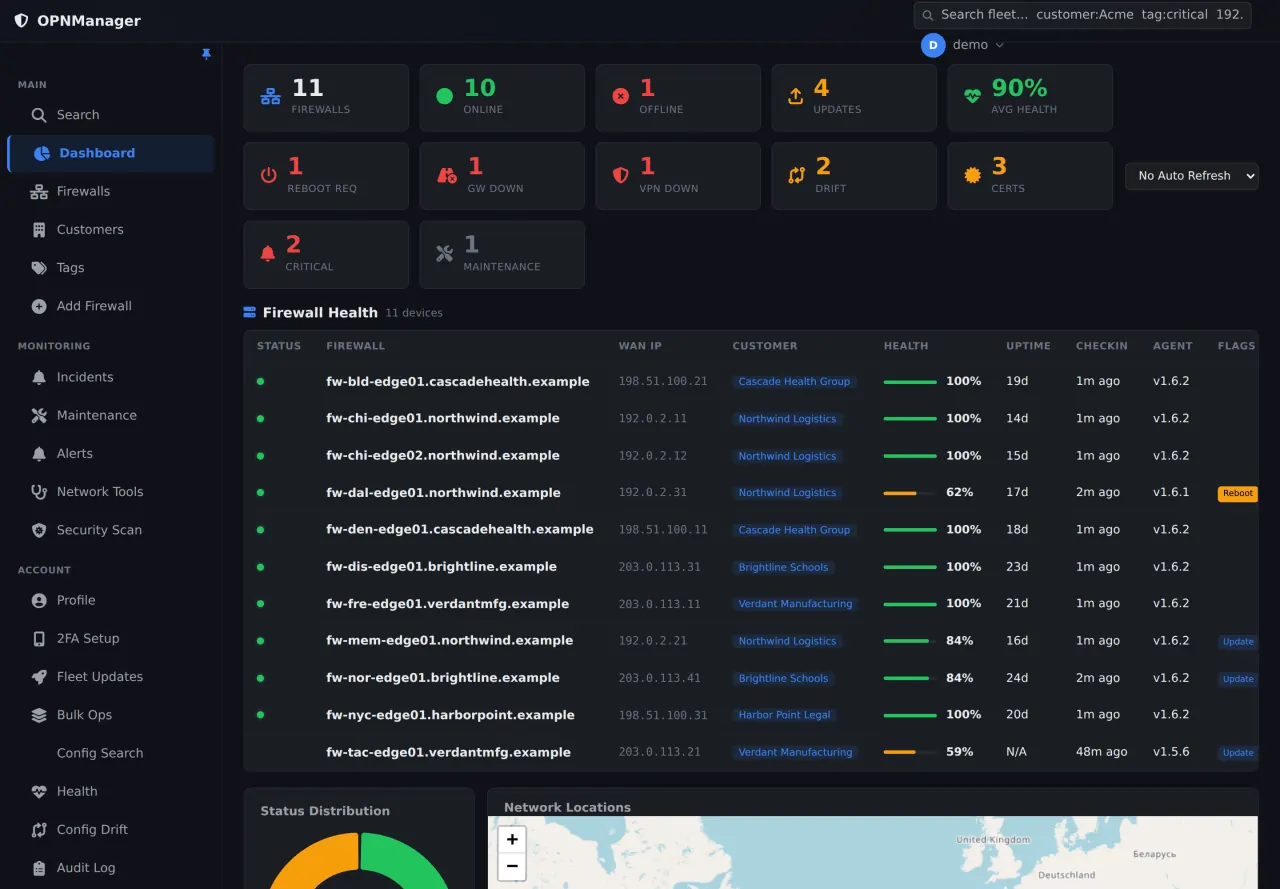
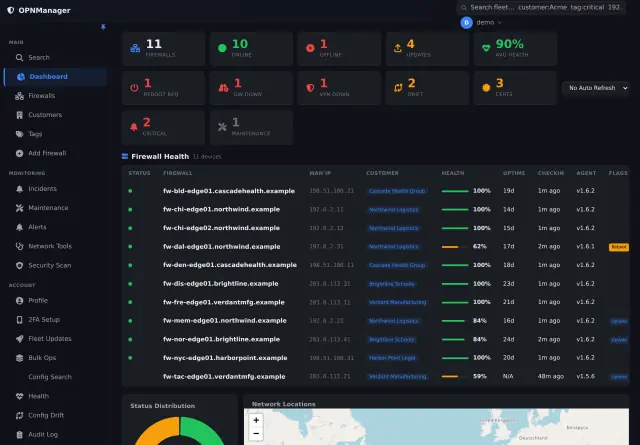
Watch firewall health, configuration drift, backups and staged updates across customers.
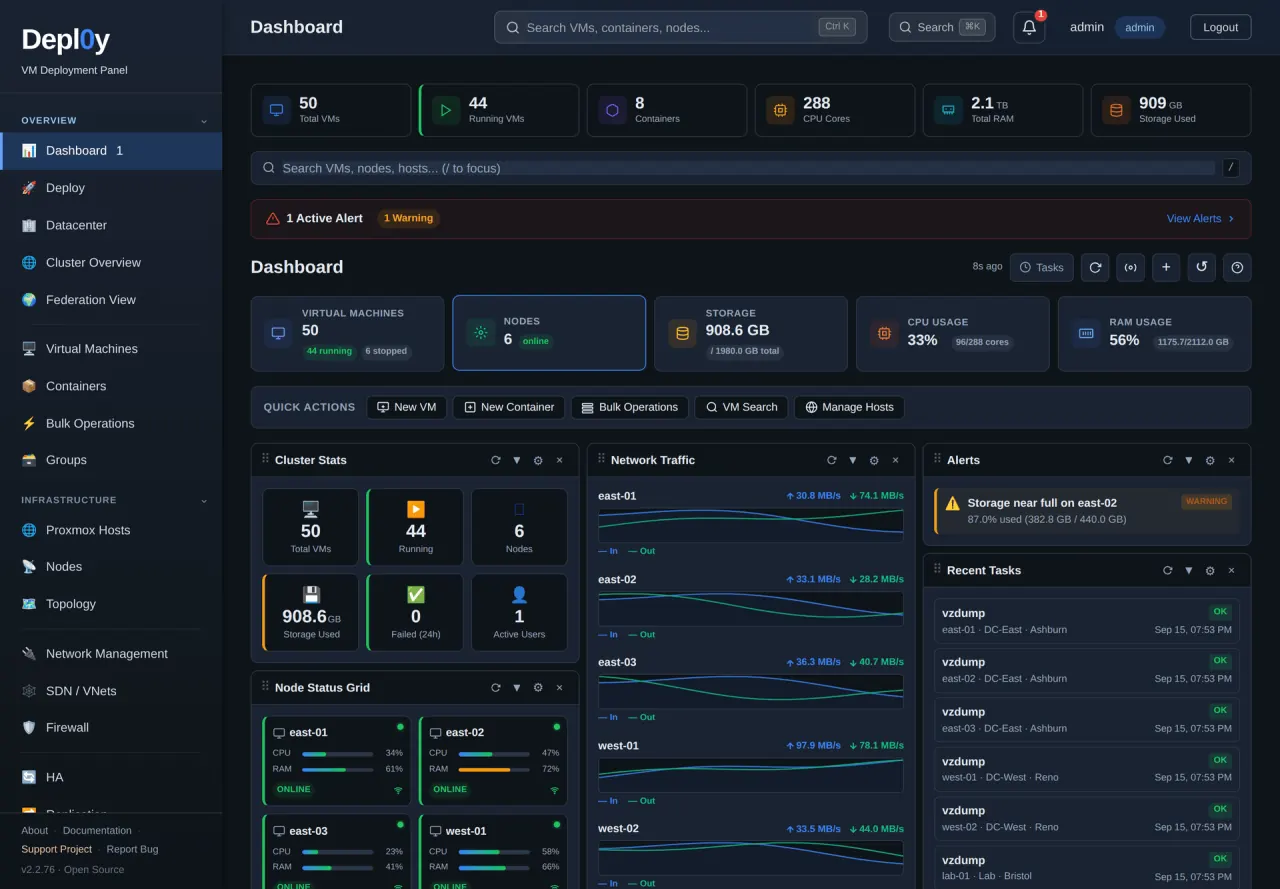
See Proxmox clusters and the Dell or HPE hardware under them in one place.
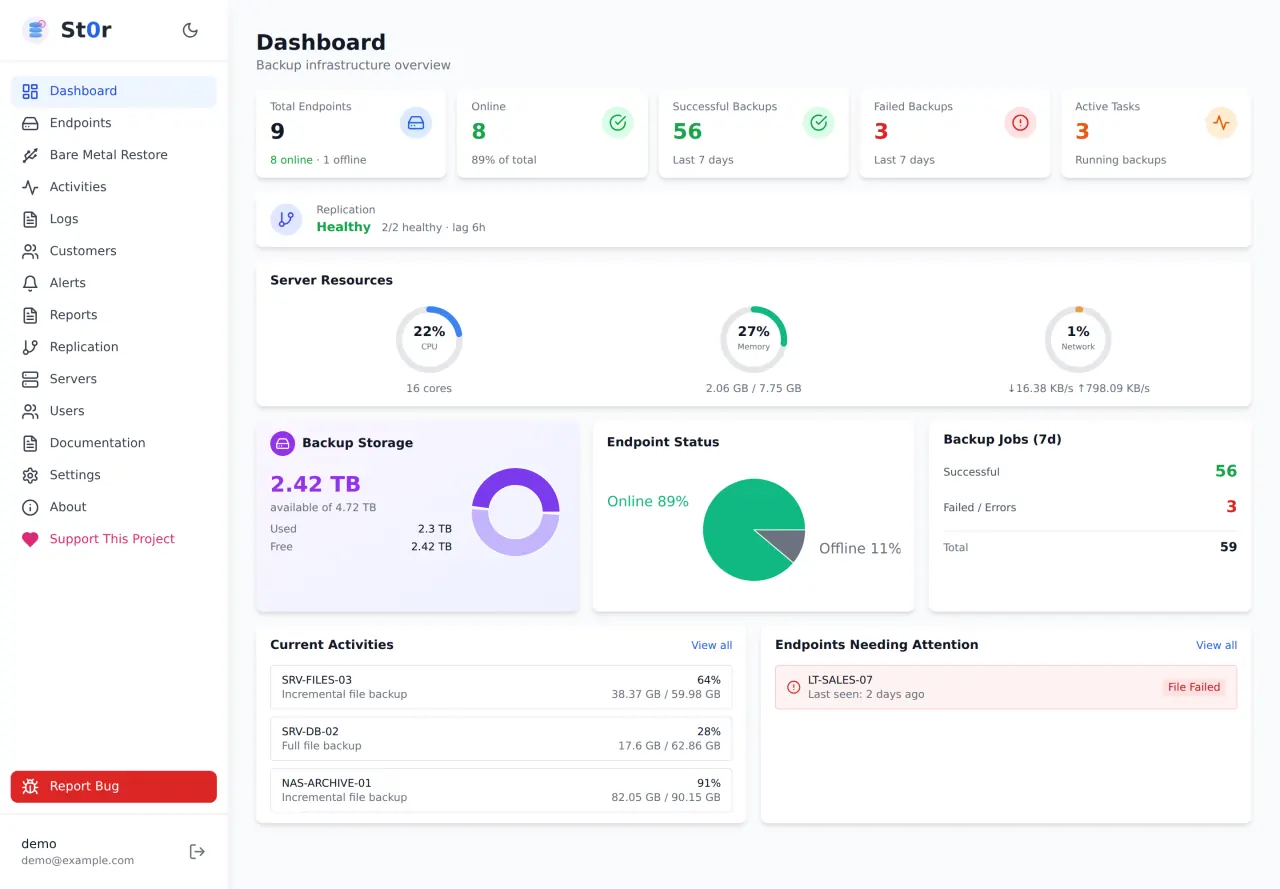
Endpoint status, file recovery and offsite replication for UrBackup, in one interface.
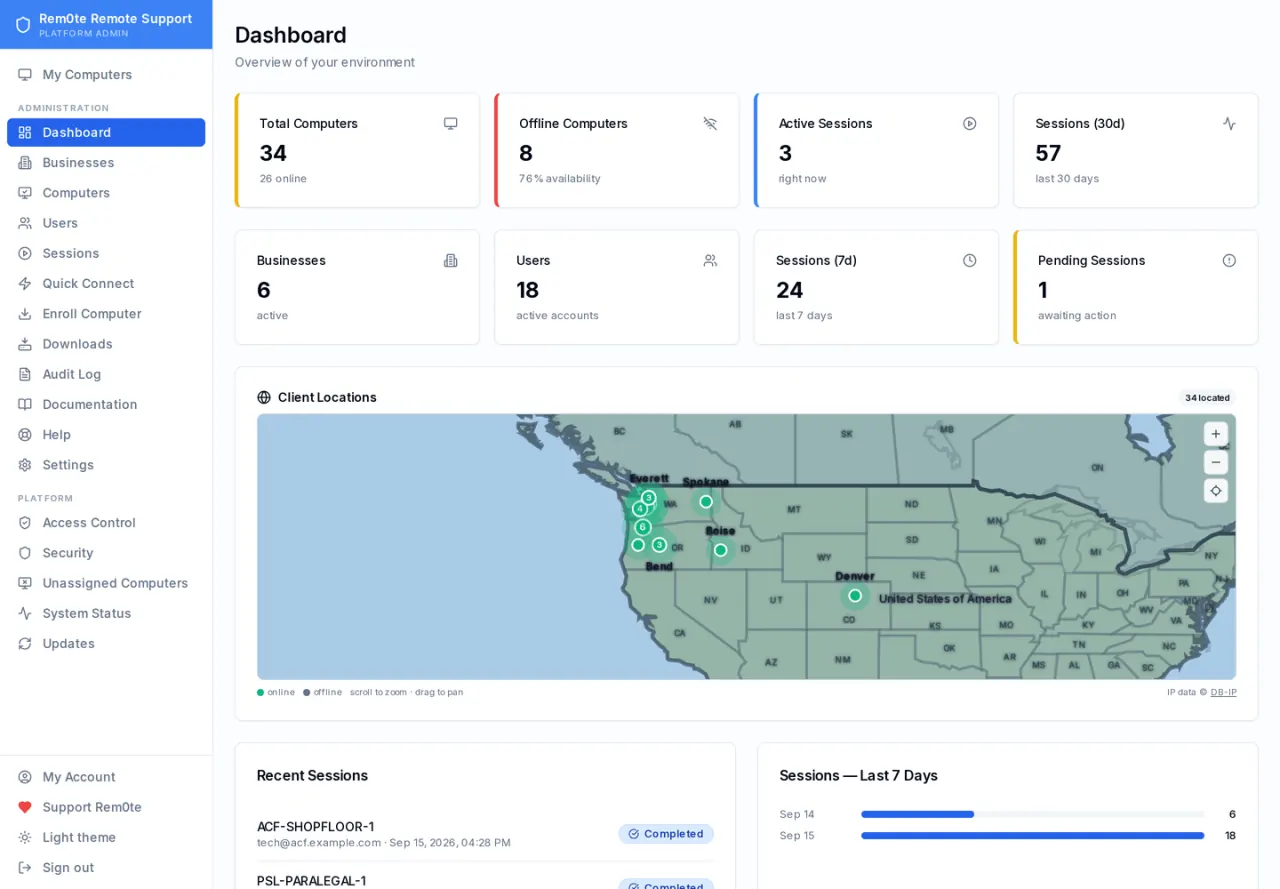
Customer-separated remote access and an audit trail around your own RustDesk server.
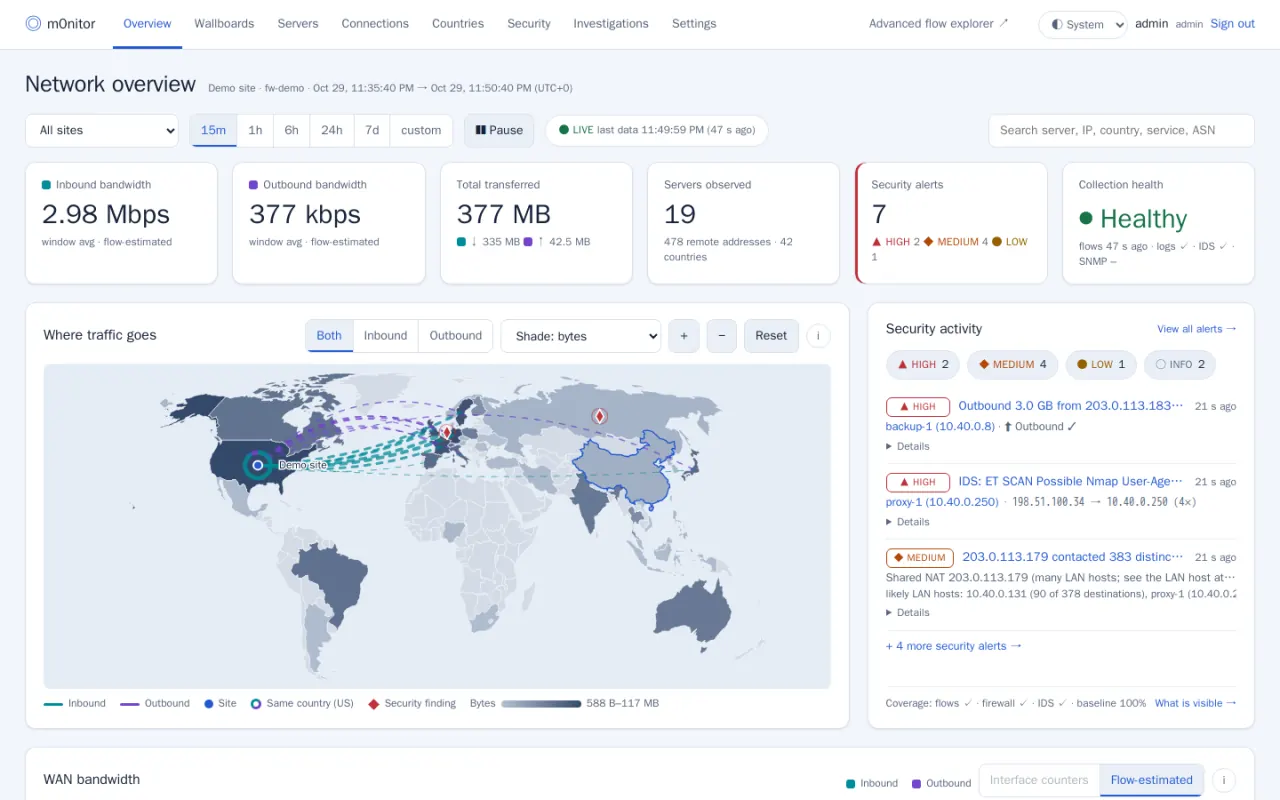
See where your firewall's traffic goes, what it blocked, and which findings deserve a look — with the evidence.
Release numbers read from the GitHub API; the oldest of these checks was on 3 Nov 2026, 05:17 UTC.
From each project’s own repository, running its demo data. Select one to enlarge it.
MSP Zero was created by Dewey Straughn after 24 years operating an MSP. The projects grew out of ordinary problems involving documentation, firewalls, infrastructure, backups and remote support.
If a commercial product works well for you and earns its cost, keep using it. MSP Zero is another option.
Being free doesn’t make them better than what you pay for, and they don’t match mature commercial platforms feature for feature.
These tools hold credentials, firewall configs and remote access. You can read the code that does it, or have someone you trust read it.
Open source is not automatically secure. It means you can check: review the source, scan its dependencies, watch what it sends over the network.
Your install keeps running, your data stays in your database, and the MIT-licensed code can be maintained by anyone.
A small Linux server or VM each, in most cases, plus whatever the tool manages: UrBackup for St0r, a RustDesk server for rem0te, OPNsense for OPNMGR, Proxmox VE for Depl0y, an OPNsense firewall sending NetFlow and syslog for m0nitor. Each project page has a First deployment section with the details.
Bugs and questions go to each project's GitHub issue tracker, in the open. The guides cover choosing a first tool and running it well.
Pick one tool, read its first-deployment notes, and install it on a server of your own. The software costs nothing; the server and your time still do.
Every project has its own GitHub issue tracker for bugs and questions, and the guides cover choosing a first tool and running it well. Nothing here is a paid tier, and nobody gets faster answers for paying.
Find MSP Zero useful? Help spread the word, tell us what you think, or suggest something we could do better. You don’t need to contribute money to make a difference.
How useful is this website to you? Private, and no account needed.
Rate this siteCopy the link or an introduction, or share it on Facebook, LinkedIn or by email.
Share MSP ZeroA feature, a new tool, an integration, or something broken? Tell us privately.
Request a featureConnect with MSP Reboot on Facebook for updates and conversations with other MSPs.
Follow MSP Reboot on Facebook (opens in a new tab)